Niagara Launcher ‧ Home Screen
Peter Huber
Downloads
10,000,000+
Source
Google Play
Click to download now, finish the installation quickly, and directly unlock the all-round experience
Screenshots
Click to download now, finish the installation quickly, and directly unlock the all-round experience
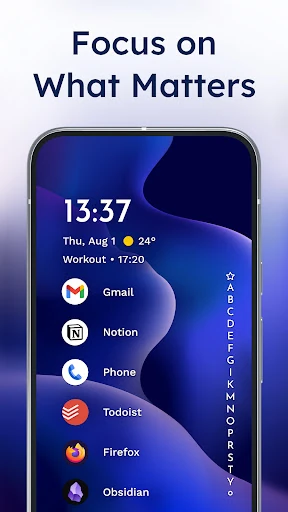
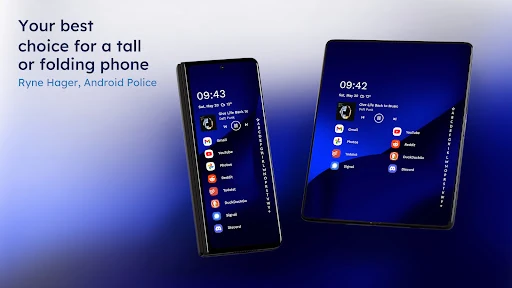
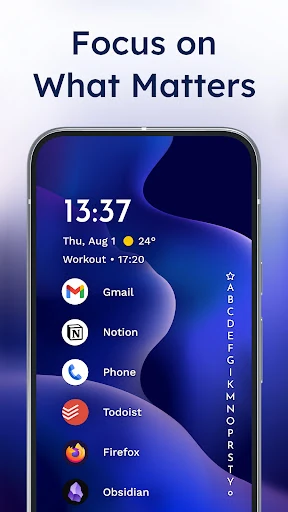
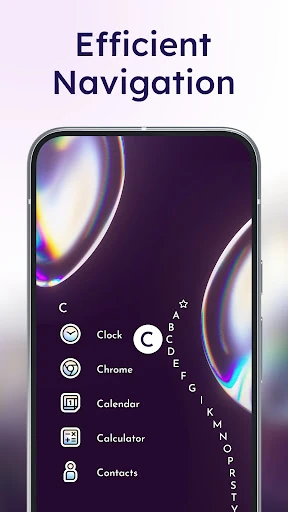
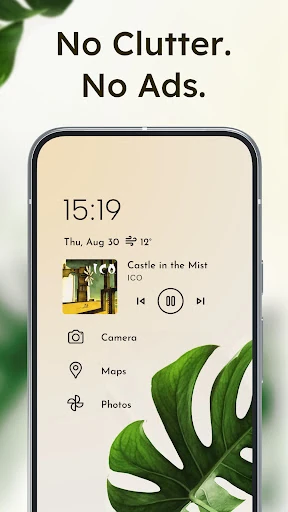
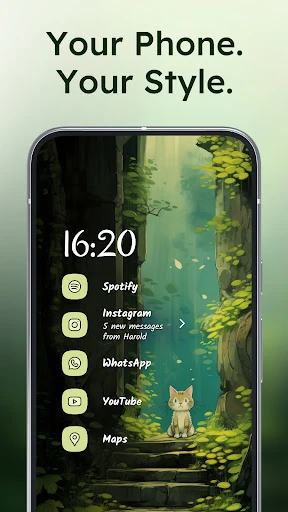
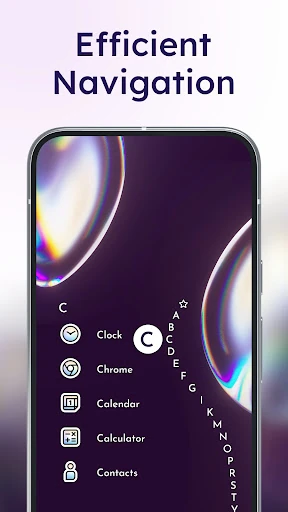
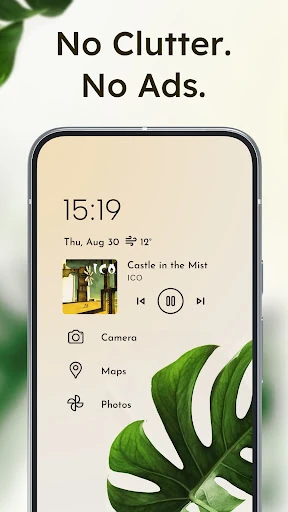
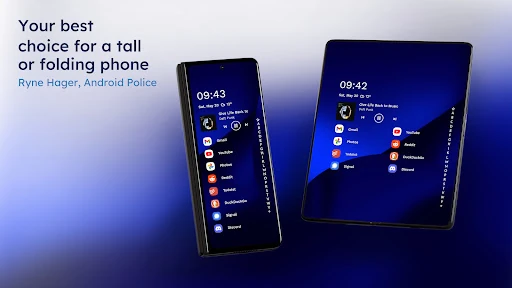
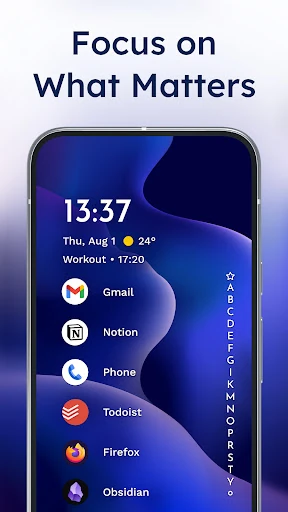
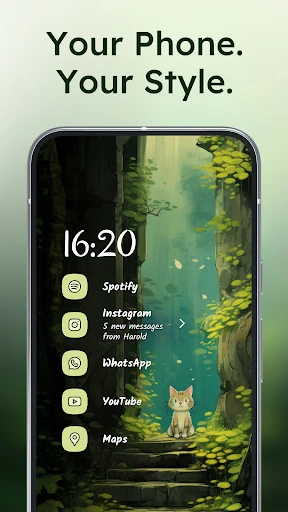
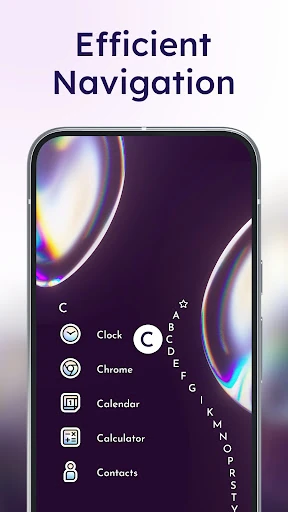
Niagara Launcher replaces the familiar grid of app icons with a streamlined home screen organized as a list. A scrolling alphabet helps you jump to an app without opening a separate app drawer. It suits people who want a less crowded screen, or who find a long list easier to navigate on a large phone.
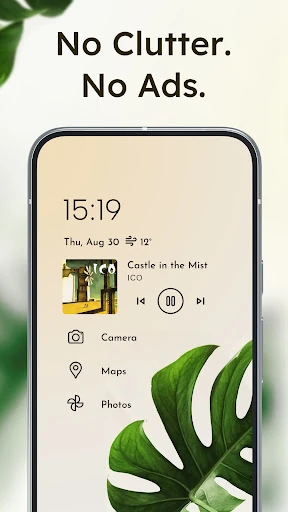
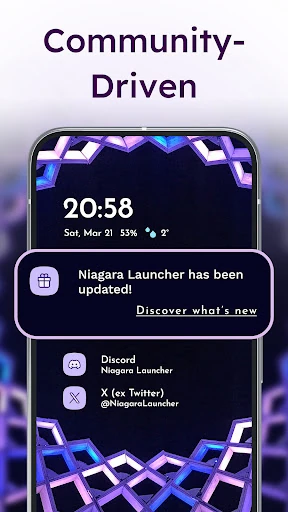
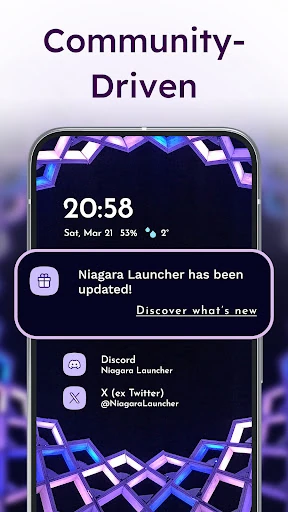
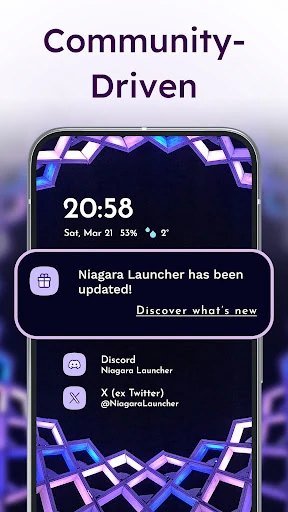
The list layout keeps apps within reach, and the alphabet navigation is designed for thumb use. Notifications can appear on the home screen, so you can check messages without hunting through apps. Calendar events and media controls can also show up when relevant, making the screen more than a static row of shortcuts.
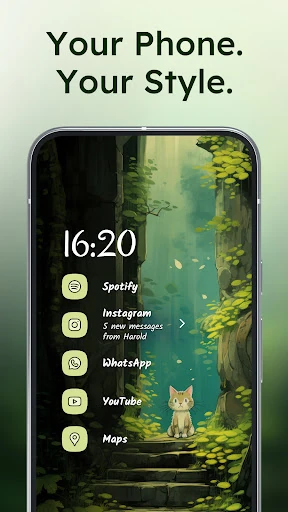
The minimalist approach is the main appeal, though it does not mean giving up all customization. Niagara supports themes, fonts, wallpapers and icon choices, including colors that adapt to the wallpaper. If you prefer a traditional grid with lots of widgets and visual rearranging, this different layout may take some getting used to.
Niagara Launcher has a 4.75-star rating from about 173,600 reviews and more than 10 million installs. That scale suggests it works for more than just launcher tinkerers: it offers a clear alternative for everyday use. If you value quick access and a quieter home screen over a grid full of shortcuts, it is easy to see why you might reinstall it. Developed by Peter Huber.