Smart Home Manager
AT&T Services, Inc.
Downloads
5,000,000+
Source
Google Play
Click to download now, finish the installation quickly, and directly unlock the all-round experience
Screenshots
Click to download now, finish the installation quickly, and directly unlock the all-round experience
Smart Home Manager gives AT&T Internet customers a phone-based way to check and manage their home Wi-Fi. It suits households that want to see which devices are connected, change network details, or handle common connection checks without starting with a technician. You need an AT&T Internet account and a compatible AT&T Wi-Fi Gateway; available tools depend on the gateway model.
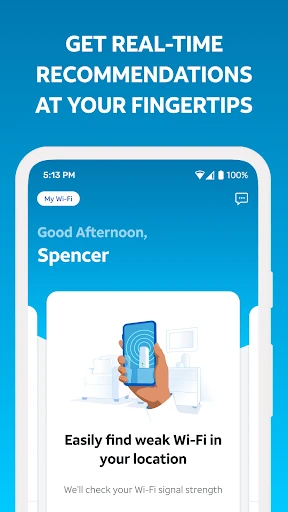
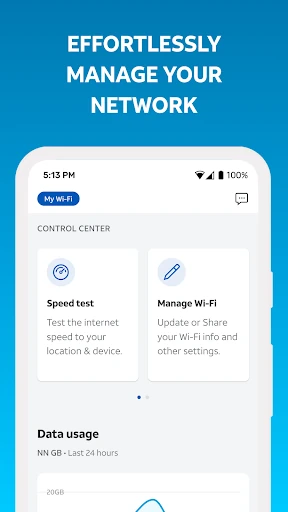
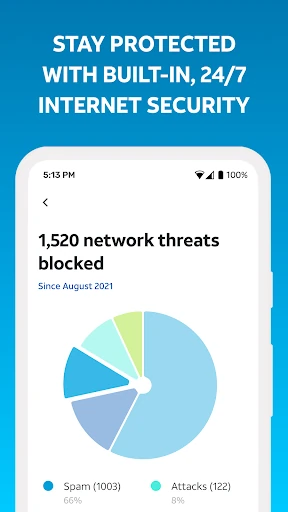
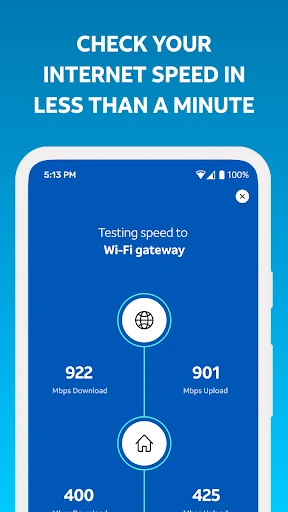
The app lets you view or update the Wi-Fi name and password, identify connected devices, and give devices custom names. It can also test the connection speed to the gateway, show areas with weak Wi-Fi signal, and report network health or service issues. If a basic fix is needed, you can restart the gateway from the app.
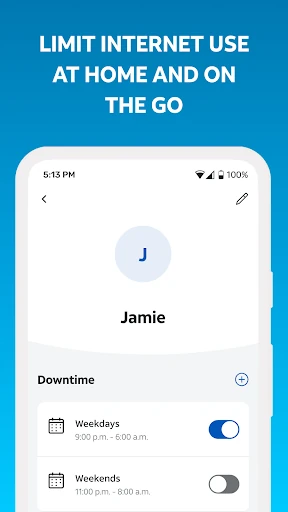
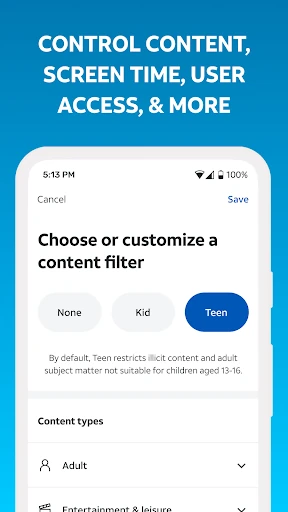
For families, device profiles, parental controls and downtime schedules help manage screen time at home. You can also pause Wi-Fi access for individual devices. These controls are focused on the home Wi-Fi network, not a general-purpose device manager.
Smart Home Manager can also guide customers through setting up new service themselves. Its appeal is practical: network settings, connected-device checks and troubleshooting live in one place, rather than requiring a call for every routine question. It is much less relevant if your internet provider or gateway is not supported.
Would you install it again? For an AT&T household with a compatible gateway, probably. The day-to-day controls and quick checks give it a clear job beyond initial setup. Its 4.4-star rating from about 84,000 ratings and 5,000,000+ installs suggest it has reached a substantial user base, though those figures don’t remove the compatibility limit.